LinkHub
One link for everything you share
Put one link in your bio and send followers to your shop, website, newsletter and social profiles, then see what they click. Free on every plan.
- Free on every plan
- Ready-made themes
- Visits and clicks


Why LinkHub
Your bio has room for one link.
Instagram and TikTok give you a single link. LinkHub turns it into a page with everything you want people to find, from your newest work to your shop and studio.


Links
Buttons for everything
Your shop, website, newsletter and socials.
Add a button for any page and drag them into the order you want. Your social profiles show as icons under your bio. Turn a link off for a while without deleting it.
Create your LinkHub


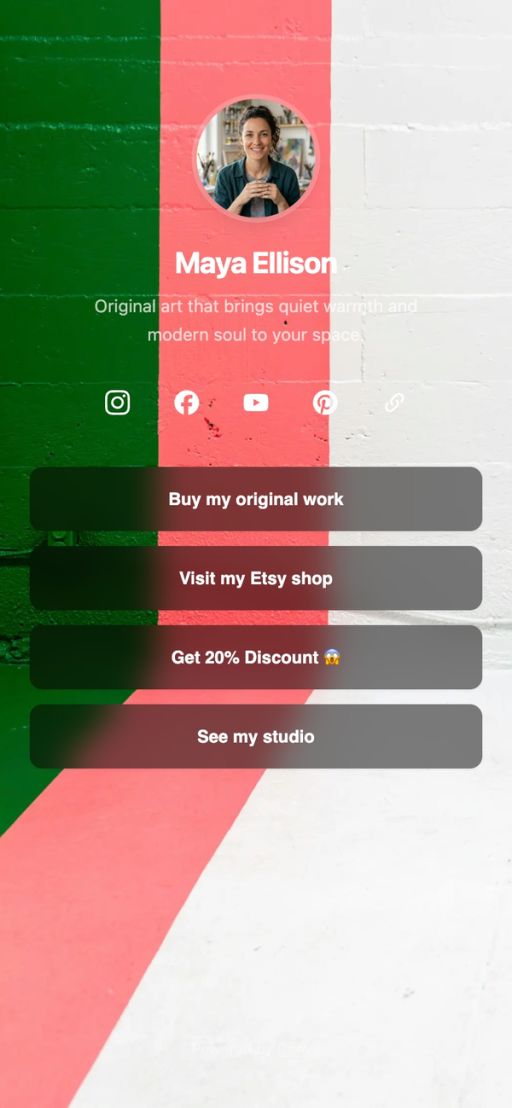
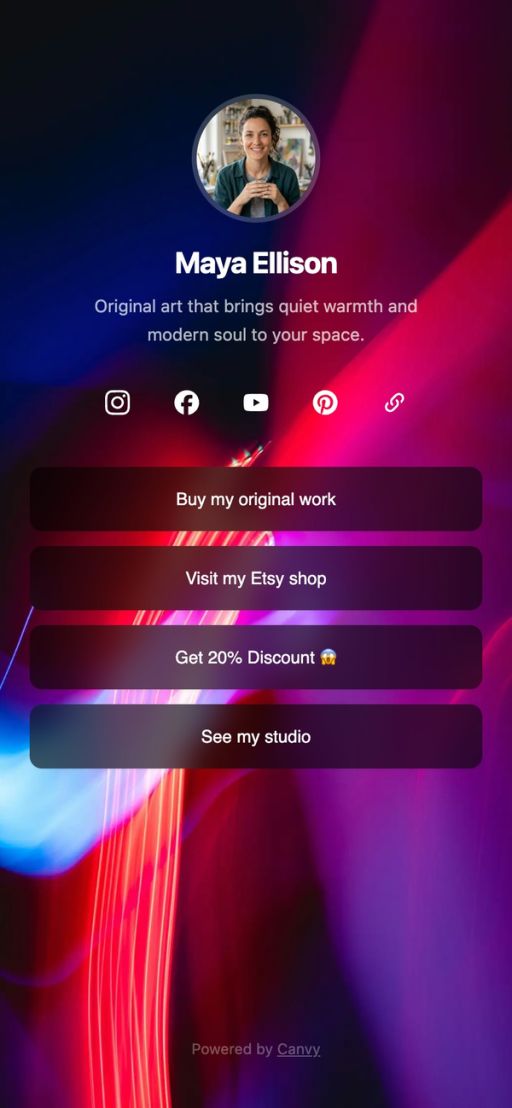
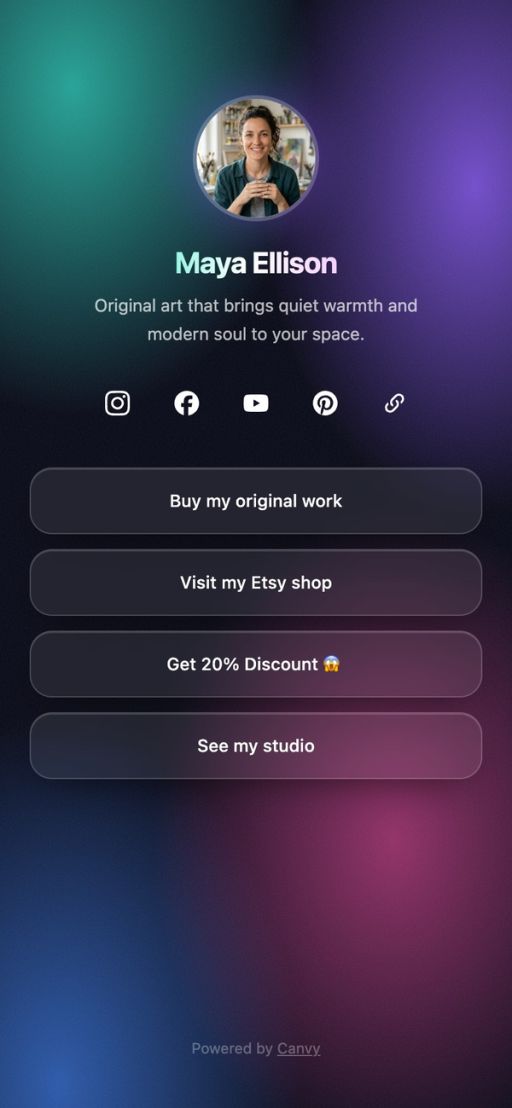
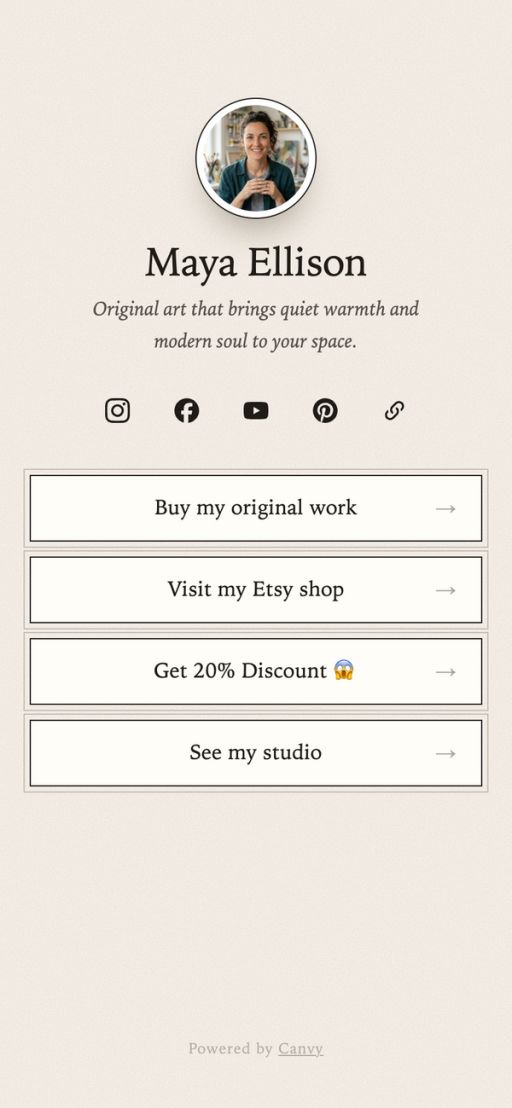

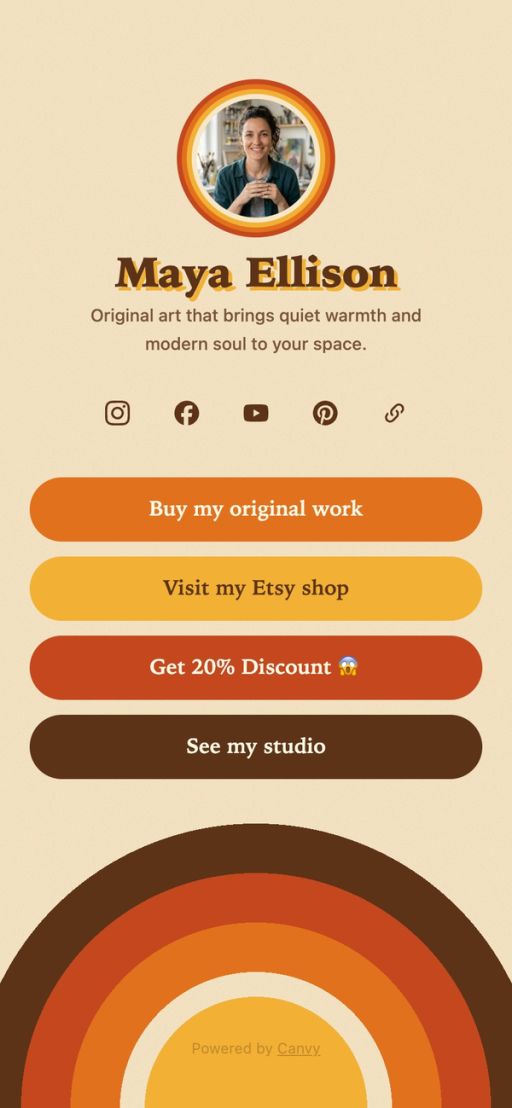


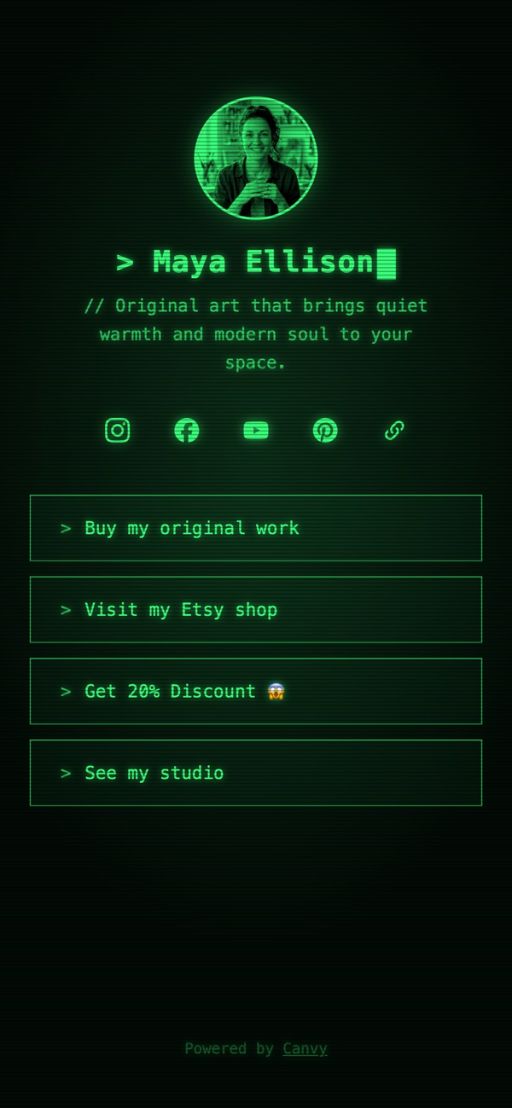
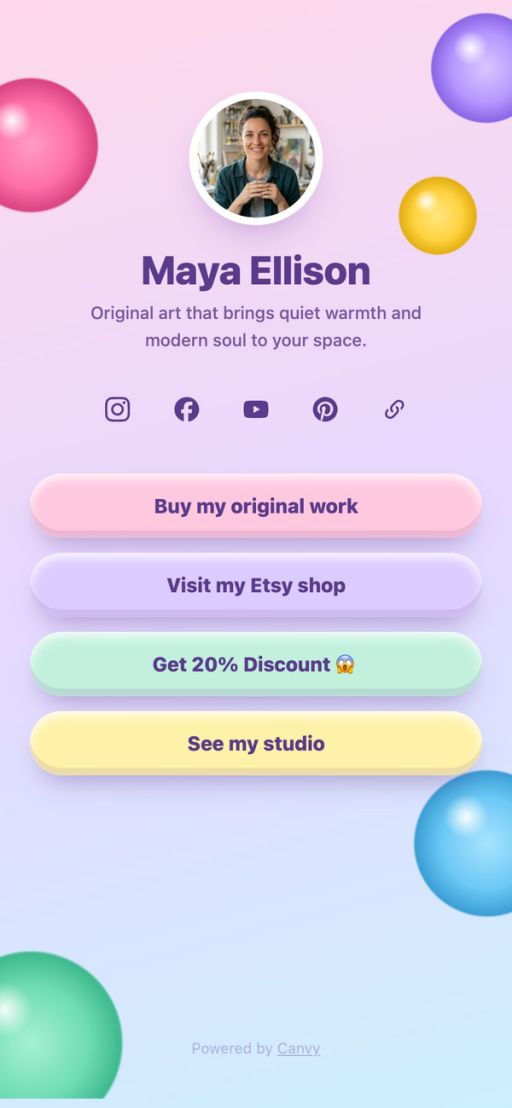


Themes
Make it look like you
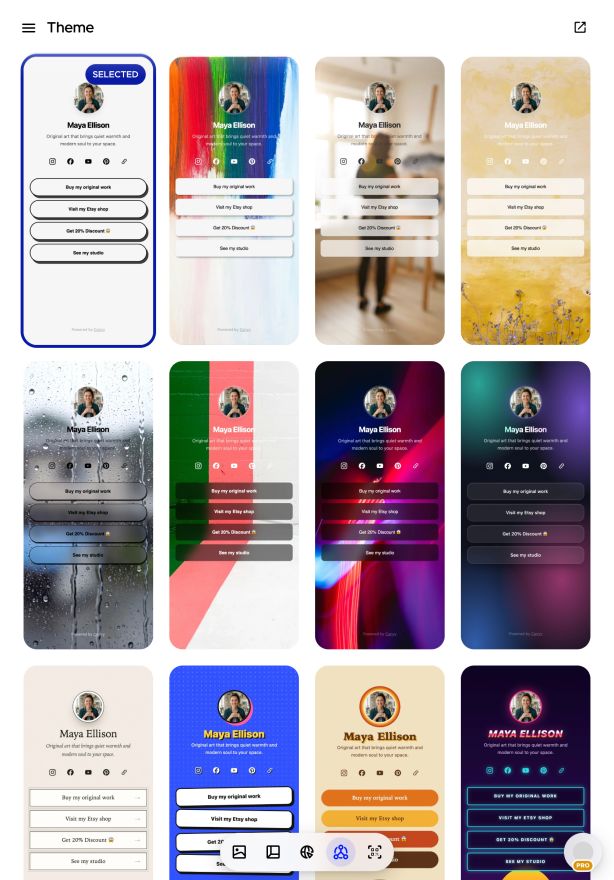
Calm or colorful, still or moving.
Choose a theme that suits your work, from clean Minimal and soft Watercolor to bold Neon and gold-seamed Kintsugi, or one that moves, like Live Painting and Live Rain. New themes are added over time. Switch whenever you like; your links stay the same.
Create your LinkHub
Your page
Your name, your address
At cnv.ee/your-name.
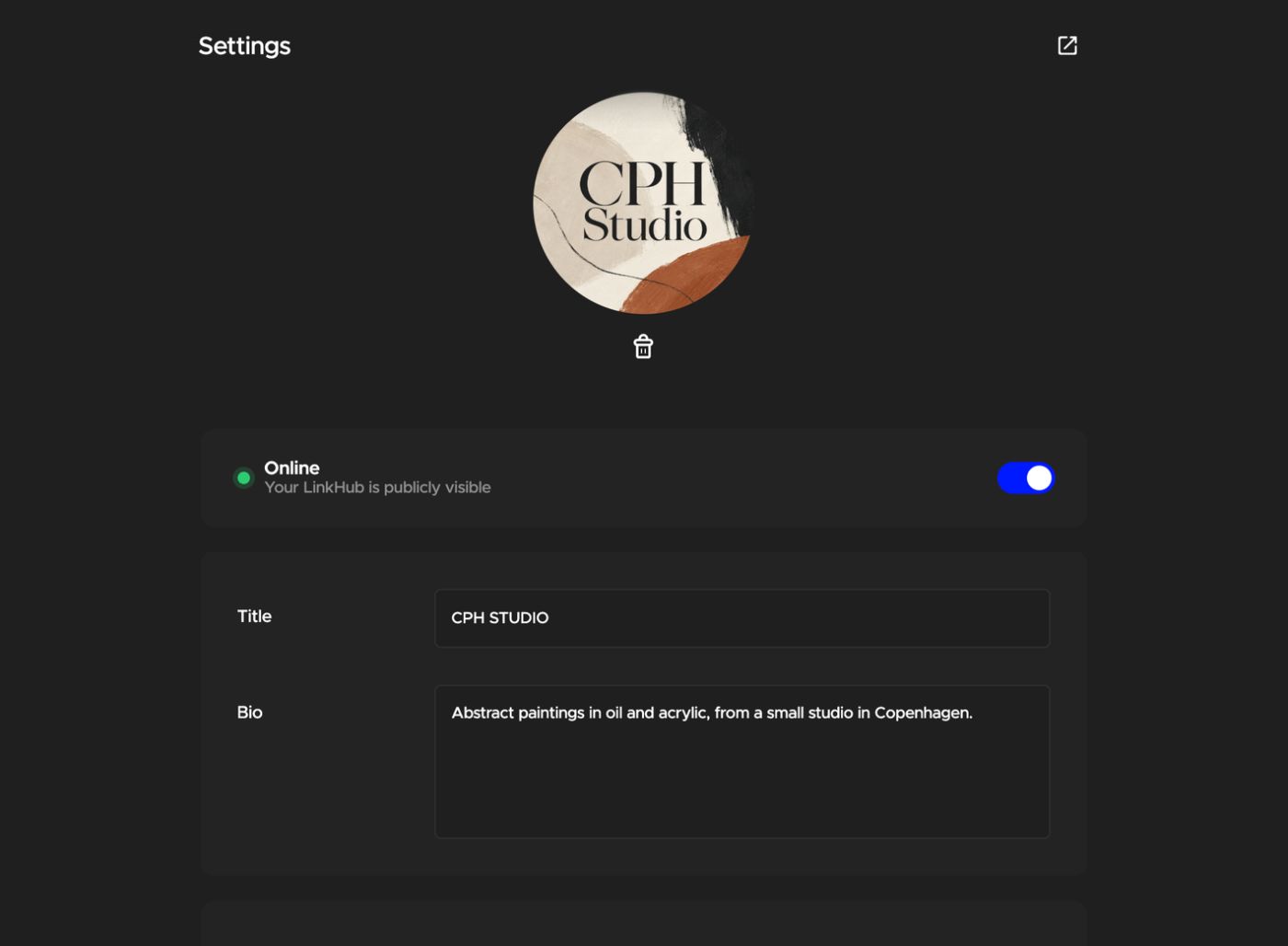
Add your picture, name and a short bio, and choose the address of your LinkHub. Need a break? Switch it offline and back on whenever you like.
Create your LinkHub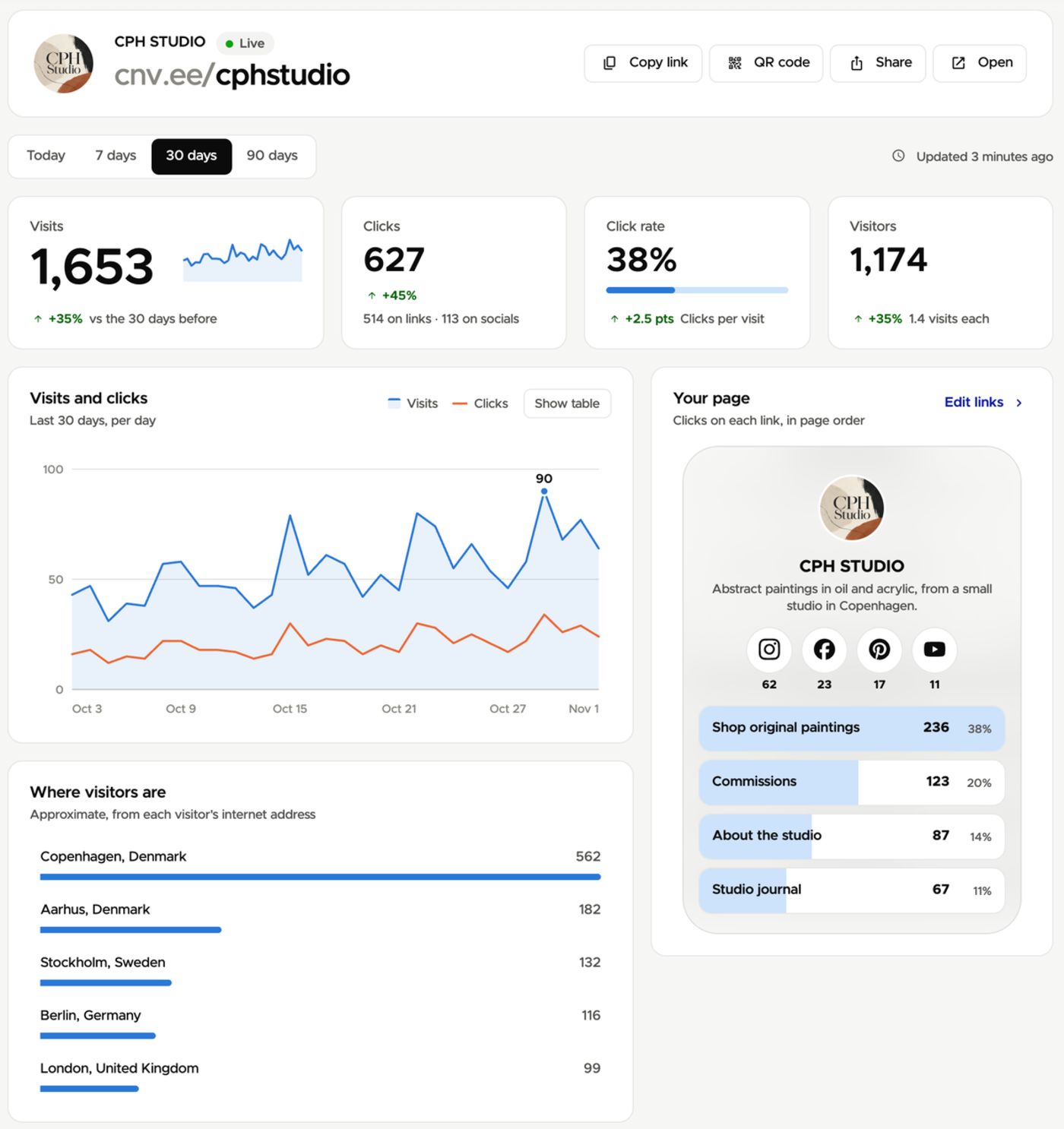
Stats
See what people click
Live, as people visit and click.
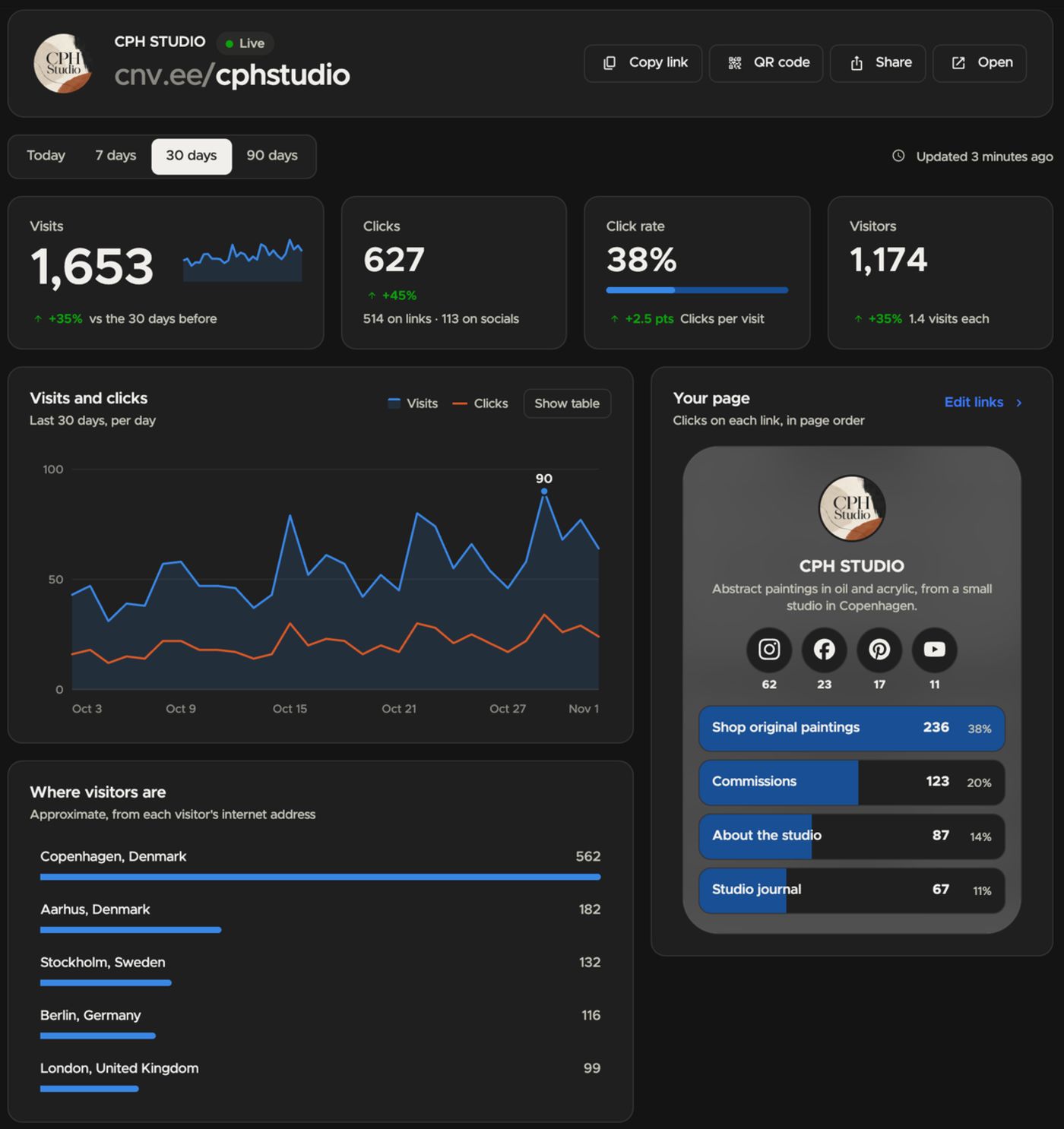
See visits, clicks and visitors for today or the last 7, 30 or 90 days, compared with the days before. Your page shows how many clicks each link gets, so you know what your followers come for, and you see roughly where they are.
Create your LinkHubEvery device
Update it from anywhere.
Edit your LinkHub on your computer, iPad, iPhone or Android phone with the same login. Add a button from your phone right after you post, and look at the clicks later on your computer.




Everything else
Small page, plenty to it.
Your links
Everything you share, in one place.
- Buttons for any page
- Icons for your social profiles
- Drag links into any order
- Turn a link off without deleting it
Your page
Make it yours in a few minutes.
- Still and moving themes
- Your picture, name and bio
- Your own cnv.ee address
- A QR code of your link for cards and fairs
Your stats
Know what works.
- Visits, clicks, click rate and visitors
- The clicks on each link, right on your page
- Today, or the last 7, 30 or 90 days
- Live, compared with the days before
Want more to post? See how artists use Canvy on social media
“Canvy is the number one tool I use for promoting my art, and I recommend it to the artists who read my blog.”
Amylee Paris
Is LinkHub free?
Yes. LinkHub is included in every plan, Free too, with all its themes and stats.
Where can I use my LinkHub link?
Anywhere you can add one link: your Instagram or TikTok bio, your Pinterest or YouTube profile, your email signature or your business cards.
Can I change my LinkHub address later?
Yes, in Settings. People with the old link won't be able to open your page any more, so update it wherever you've shared it.
How often are the stats updated?
Right away. Visits and clicks show up within a minute while the overview is open. You can look at today or the last 7, 30 or 90 days.
Can I take my LinkHub offline?
Yes. Switch Online off in Settings and your page is hidden until you switch it on again.
Ready to make your one link count?
Set up your LinkHub in a few minutes. Free on every plan.