Art Fairs & Exhibitions
Let visitors take your work home
Hang a QR code label next to each piece. Visitors scan to see the work and reach you, and you see which pieces caught their eye.
- Free to start
- Print-ready wall labels
- Scan stats for every artwork




Why Canvy
Most visitors leave without a business card.
A QR code next to your work lets them keep it on their phone, so a conversation at the booth doesn't end when they walk away. It works the same at open studios, gallery shows, pop-ups and markets.
Try it
Scan it yourself.
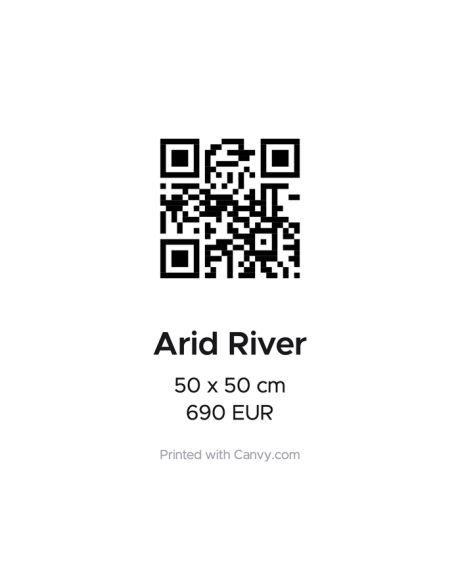
Point your phone's camera at the label. It's a real Canvy wall label, and it opens the artwork's page just like a scan at your booth would.
You're on your phone, so tap the label. It's a real Canvy wall label, and it opens the artwork's page just like a scan at your booth would.
No second phone? Open the artwork pageOpen the artwork page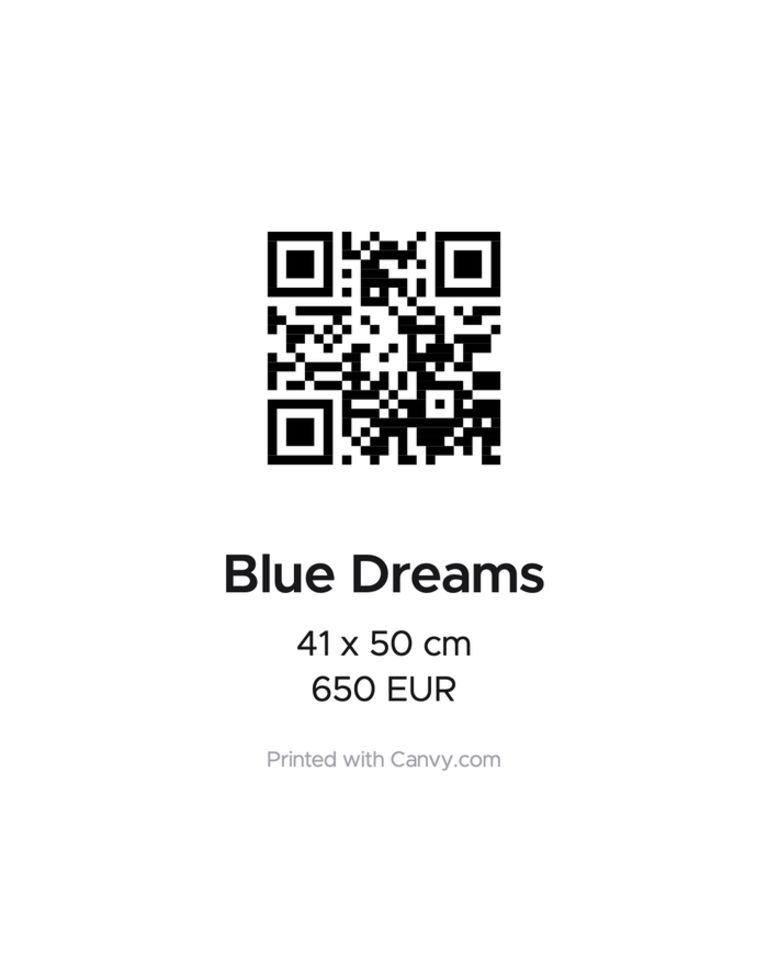

A wall label for every piece
With its name, size and price.
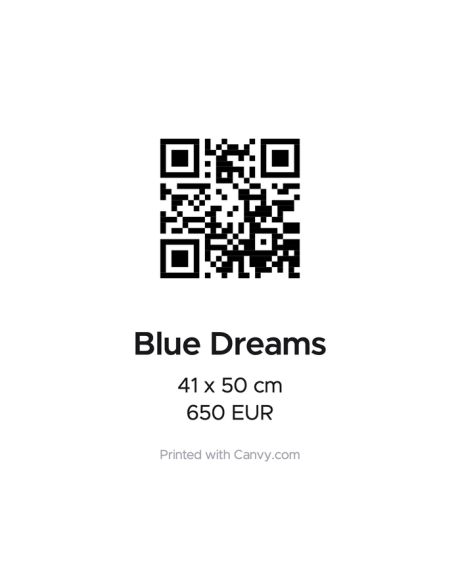
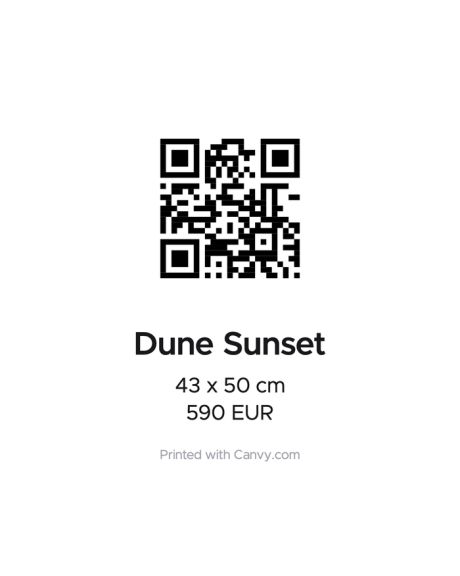
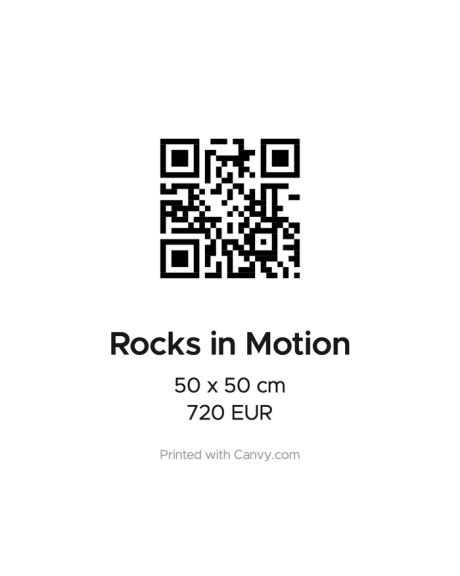
Make a QR code for each artwork and download its label as a PDF, 10 × 15 cm, portrait or landscape. It shows the code with the artwork's name and your choice of its size, price and description, as they are in your library when you print. Hang it on the wall, stand it on the table or put it beside your price list.
Download an example label (PDF)For visitors
Your work, in their pocket
No app and no sign-up.
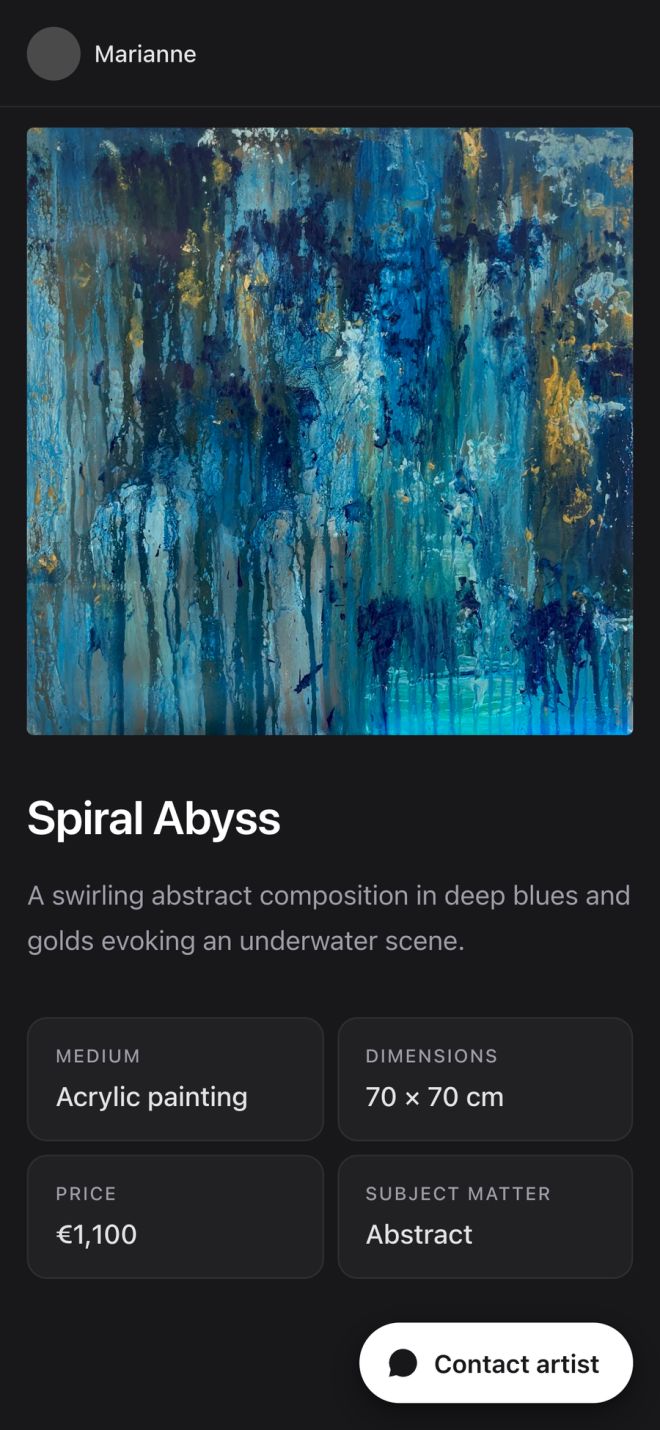
A scan opens the artwork on the visitor's phone, with its title, description, size and, if you choose, its price. One tap on Contact artist and they can reach you by email, WhatsApp, Instagram, Messenger or Telegram.
Start for free

Scan stats
See what caught their eye
Live while the fair is on.
See scans hour by hour, which artworks people scanned most and how many tapped to contact you. Find your stand's busiest hours, and get a notification on your phone the moment someone scans.
Start for free
Collections
Share the whole show
One link for everything you brought.
Put the works from a fair in a collection, and it gets its own page and link. Send it to the people you met, or put it behind a QR code on a sign at your booth. It stays offline until you switch it on, and on Pro you can add a password for a private preview.
See Artwork ManagerFrom setup to follow-up
Everything a show needs, in one place.
Before the show
Get your labels ready in an evening.
- A wall label with a QR code for every piece
- Name, size, price or description on the label
- 10 × 15 cm, portrait or landscape
- Tag the codes with the fair or venue
At the show
Make it easy for visitors to stay in touch.
- A scan opens the artwork, no app needed
- Contact by email, WhatsApp, Instagram, Messenger or Telegram
- A notification on your phone when someone scans
- Point a code at your own link, like an Etsy listing
After the show
Know what people looked at.
- Scans and contacts for each artwork
- Your busiest days and hours
- Switch codes off, or point them somewhere new
- Certificates of authenticity for the pieces you sell
“Canvy is the number one tool I use for promoting my art, and I recommend it to the artists who read my blog.”
Amylee Paris
All your tools. One subscription.
Most artists pay for six different tools. With Canvy, you don't have to.
Free
$0
Build your catalog, mock up your work, and share your first portfolio site.
- Up to 100 artworks
- 20 room downloads per month
- Not included: Room Style downloads
- Not included: Room videos
- 1 collection
- Portfolio website with 3 subpages
Plus
$15/mo.
$180 /yr.Save 21%Monthly subscription
More room downloads, room videos and collections for a growing practice.
- Up to 300 artworks
- 200 room downloads per month
- 20 Room Style downloads per month
- 5 room videos per month
- 10 collections
- Portfolio website with 10 subpages
Pro
50% off, limited timeNormal price: $32$16/mo.
Normal price: $384$192 /yr.Monthly subscription
Everything in Plus, with unlimited access and a custom domain.
- Unlimited artworks
- Unlimited room downloads
- Unlimited Room Style downloads
- 50 room videos per month
- Unlimited collections, with passwords
- Your own .art, .com or .eu domain
- Cancel anytime
- 14-day money-back guarantee
- No credit card needed for Free
Do visitors need the Canvy app?
No. Scanning a QR code opens your work in the phone's web browser.
What do I print?
A wall label for each artwork, as a PDF: 10 × 15 cm, portrait or landscape, with the QR code, the artwork's name and your choice of its size, price and description.
Can I change a price after printing?
Yes. The page a scan opens always shows the artwork's current price and description. The label shows them as they were when you printed it, so print it again after a change, or leave the price off the label and talk about it in person.
Can I use Canvy for more than one show?
Yes. Your codes keep working from show to show, and you can tag each one with where it hangs. Free includes 10 QR codes, Plus includes 50 and Pro is unlimited.
Does it work outside art fairs?
Yes. It works anywhere people see your work in person: exhibitions, open studios, gallery shows, pop-ups, markets and cafés.
How quickly do scans show up?
Within minutes. The QR code overview updates while it's open, and the Canvy app on your phone can notify you the moment someone scans.
What happens after the show?
Leave the codes on, point them at your shop or another page, or switch them off, and a scan shows that the code is no longer active. Your scan stats stay, so you can follow up on the pieces people looked at.
Ready for your next show?
Print a label for each piece and see what visitors scan. Free to start.