Room Mockups
Let buyers see your art at home
Place your artwork in styled rooms, frame it and match the walls, then download photo-real mockups for your shop, website and social media in minutes.
- Free to start
- 20 downloads a month free
- No credit card




Why Canvy
Choose between 2,000+ rooms.
Mockups that look like real photos, without a photo shoot, a studio or a single nail in the wall.


Rooms
A room for every piece
Living rooms, galleries, offices and more.
Browse rooms in 12 categories, from living and dining rooms to galleries, kitchens and outdoor spaces, or start with the rooms Canvy suggests for your art. Filters for artwork size and room shape help you find the right wall fast.
Start for freeFrames
Frame it your way
More than 20 frames, from black wood to gold.
Try frames in wood, white, black and gold, adjust their thickness and add a mat. Your artwork hangs at its real dimensions, so the scale in the room is right.
Start for free

Walls
Match the room to the art
Wood panels, tiles and patterned wallpaper.
Swap the wall for wood panels, tiles or wallpaper while the room's light and shadows stay in place, so the result still looks like a real photo.
Start for free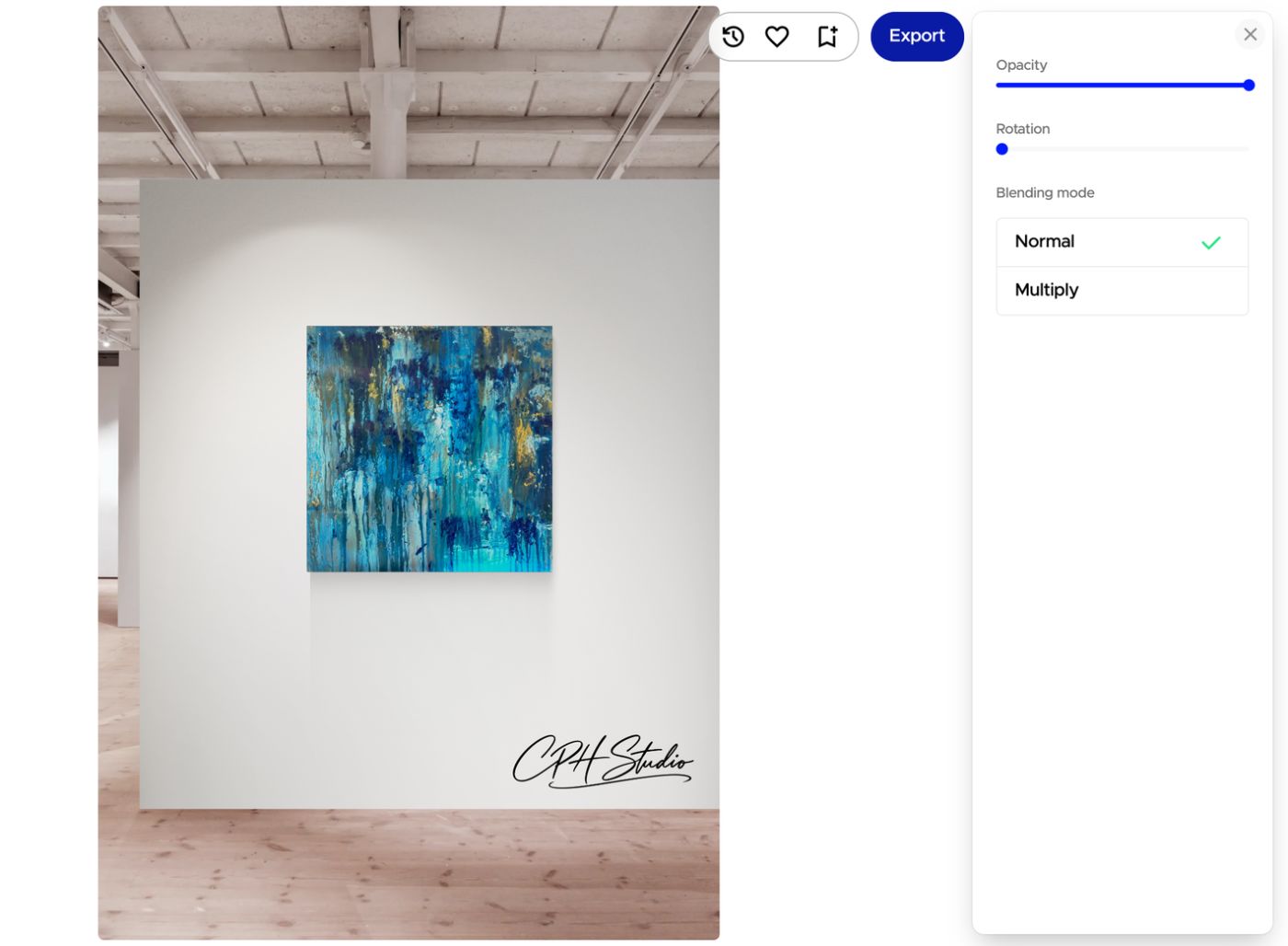
Signature
Sign your mockups
Your signature or logo, on Plus and Pro.
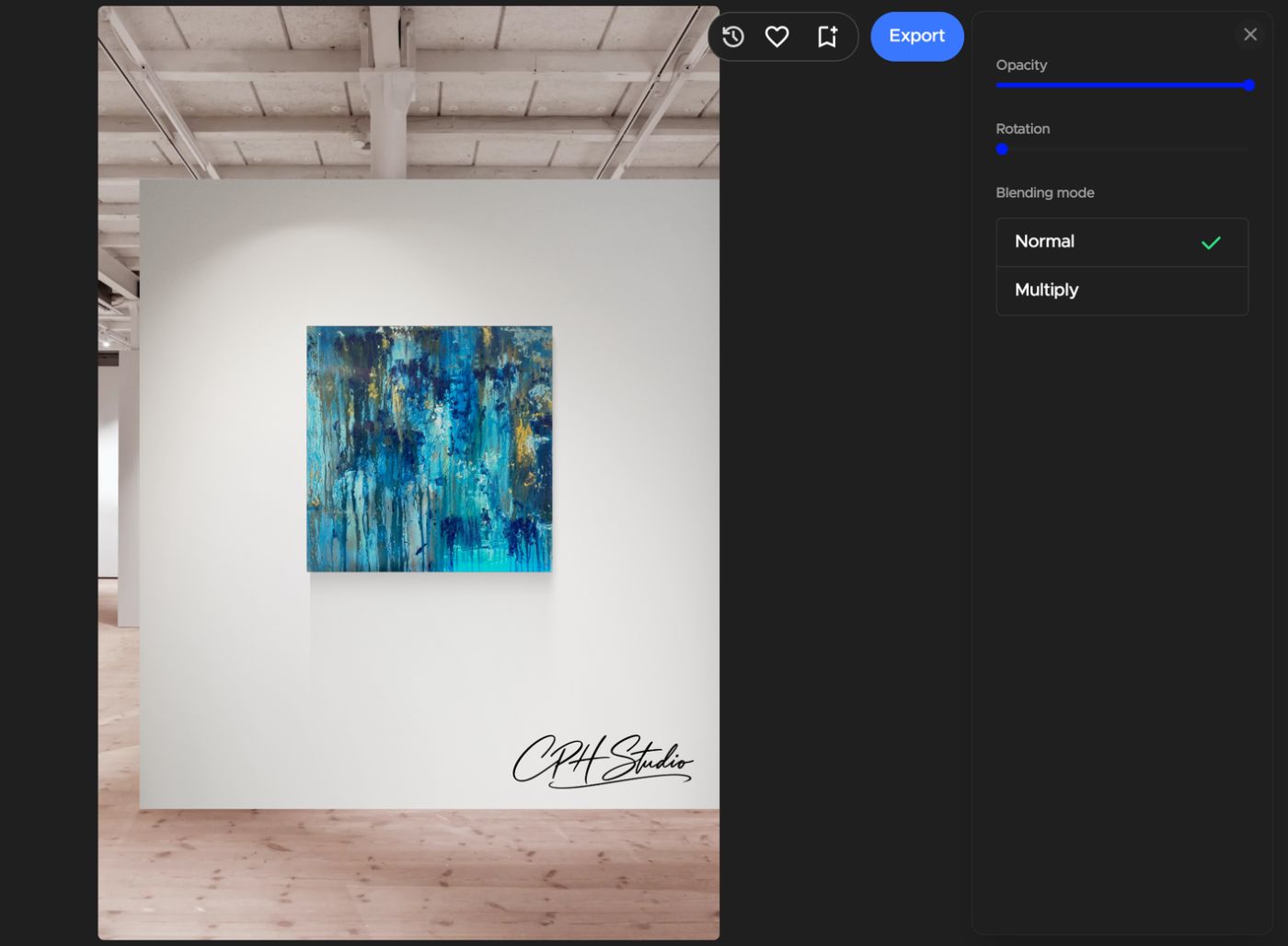
Upload your signature or logo once and add it to any room. Move it and size it where you want it, then set its opacity and rotation, or blend it with the wall so a white background disappears.
Compare plans

Room Styles
One artwork, many moods
Golden hour, art deco, warm wood and more.
Room Styles creates new versions of a room with your artwork in different light and settings, so you have fresh images for every post. Included on Plus (20 a month) and Pro (unlimited).
Start for free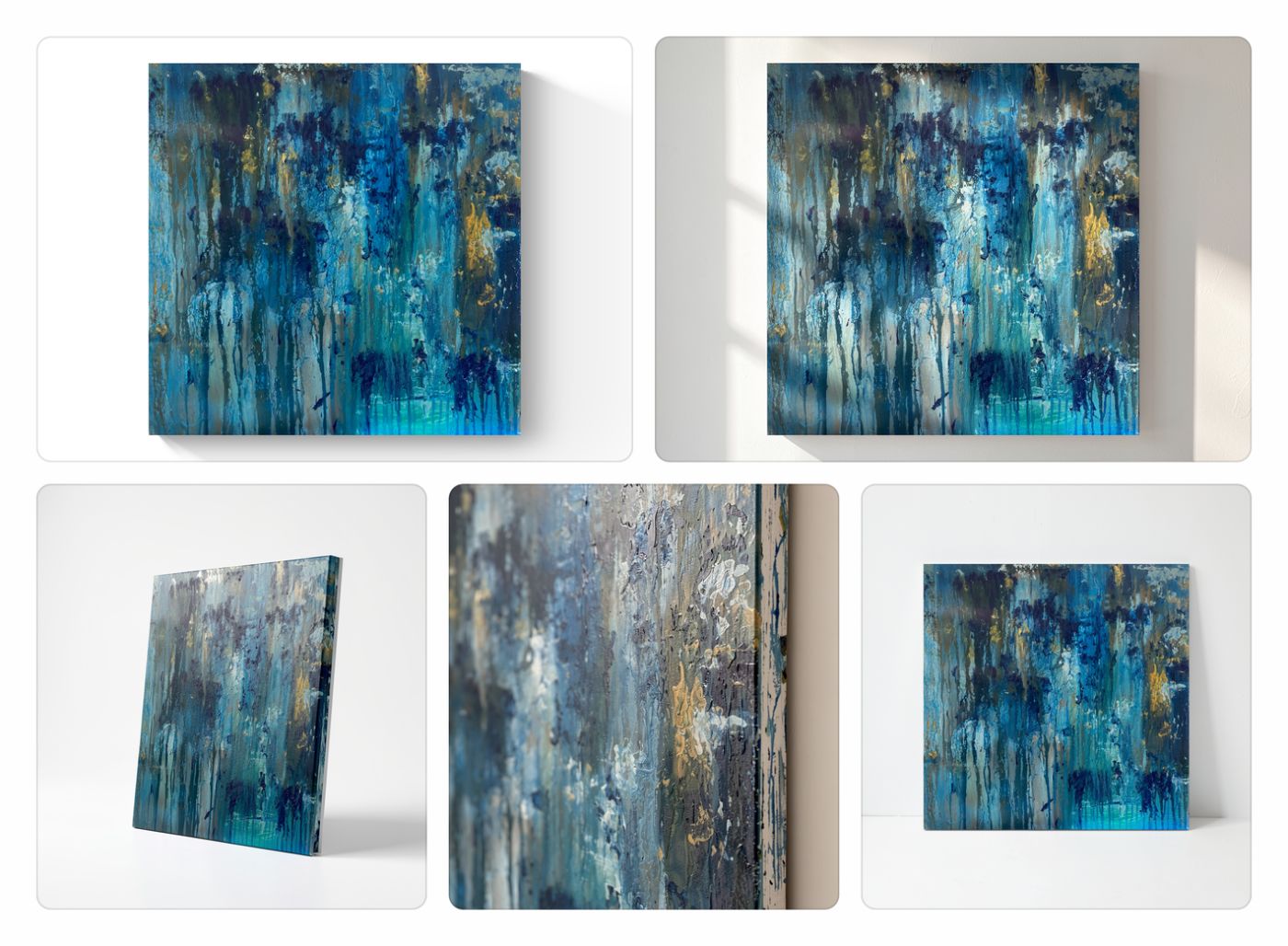

Artwork Styles
Your art, without the room
Studio shots of the piece itself.
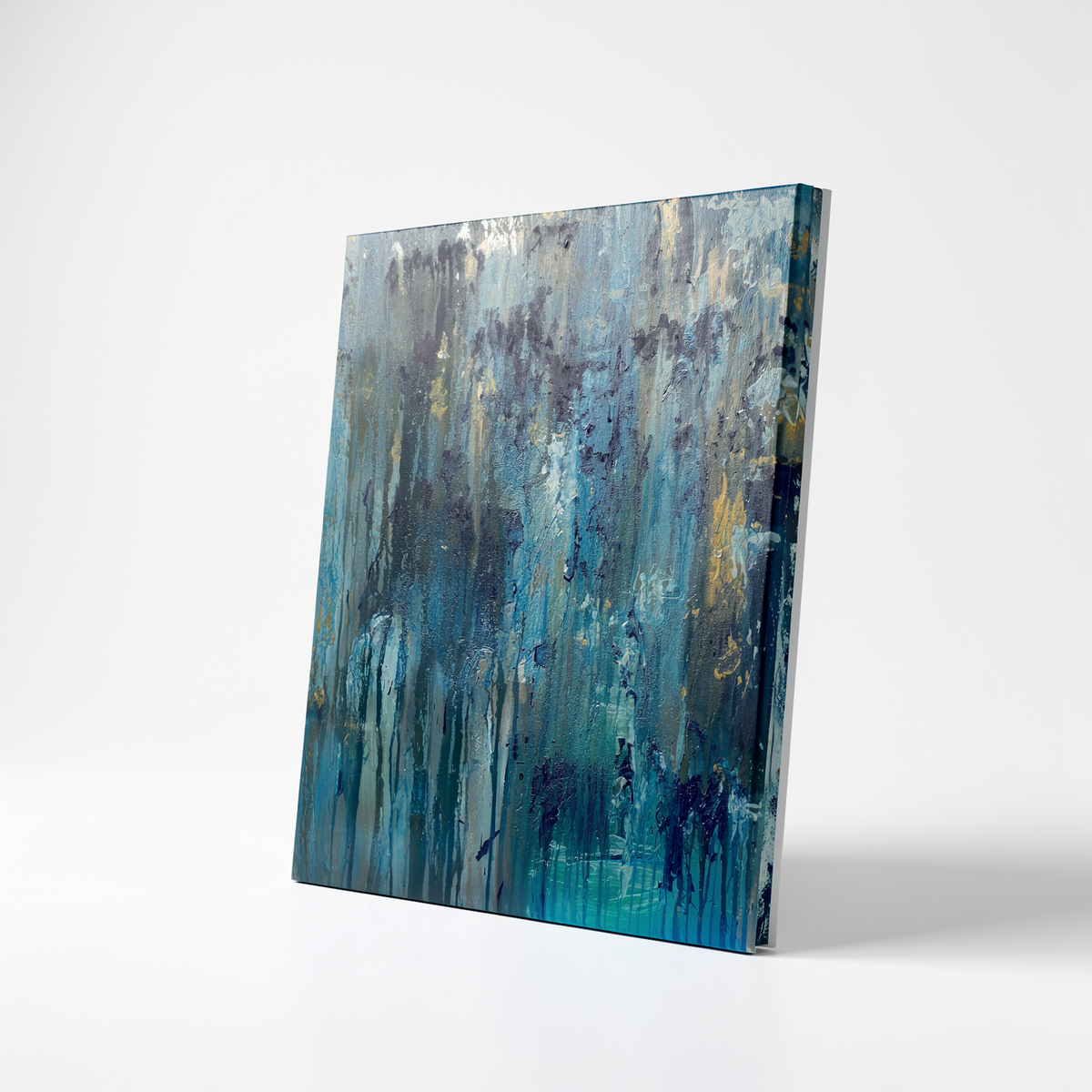
Artwork Styles shows the artwork on its own, as if photographed in a studio: front-on, in sunlight, leaning at an angle or up close to show the texture. Made for shop listings and new-work posts. Included on Pro.
Start for free
Room videos
Bring the room to life
Short videos for Reels, TikTok and your website.
Once your artwork is in a room, Canvy turns it into a short video. Pick a style, from slow cuts and zoom-ins to VHS and golden hour, for the whole room or the artwork on its own. Plus includes 5 videos a month and Pro 50.
Start for freeMade with Canvy
Six rooms, made in minutes.
Every image here is a mockup made in Canvy: an artwork, a room and a few clicks. No photo shoot and no Photoshop.
Living roomA trio of abstracts HallwayColorful abstract Reading cornerRiver abstract StudioBlack and white abstract Living roomSpiral Abyss Reading nookRiver abstract


Every device
Mockups wherever you are.
Make mockups on your computer, iPad, iPhone or Android phone with the same login. Your saved rooms and downloads are on every device, so you can set up a room in the studio and post it from your phone.
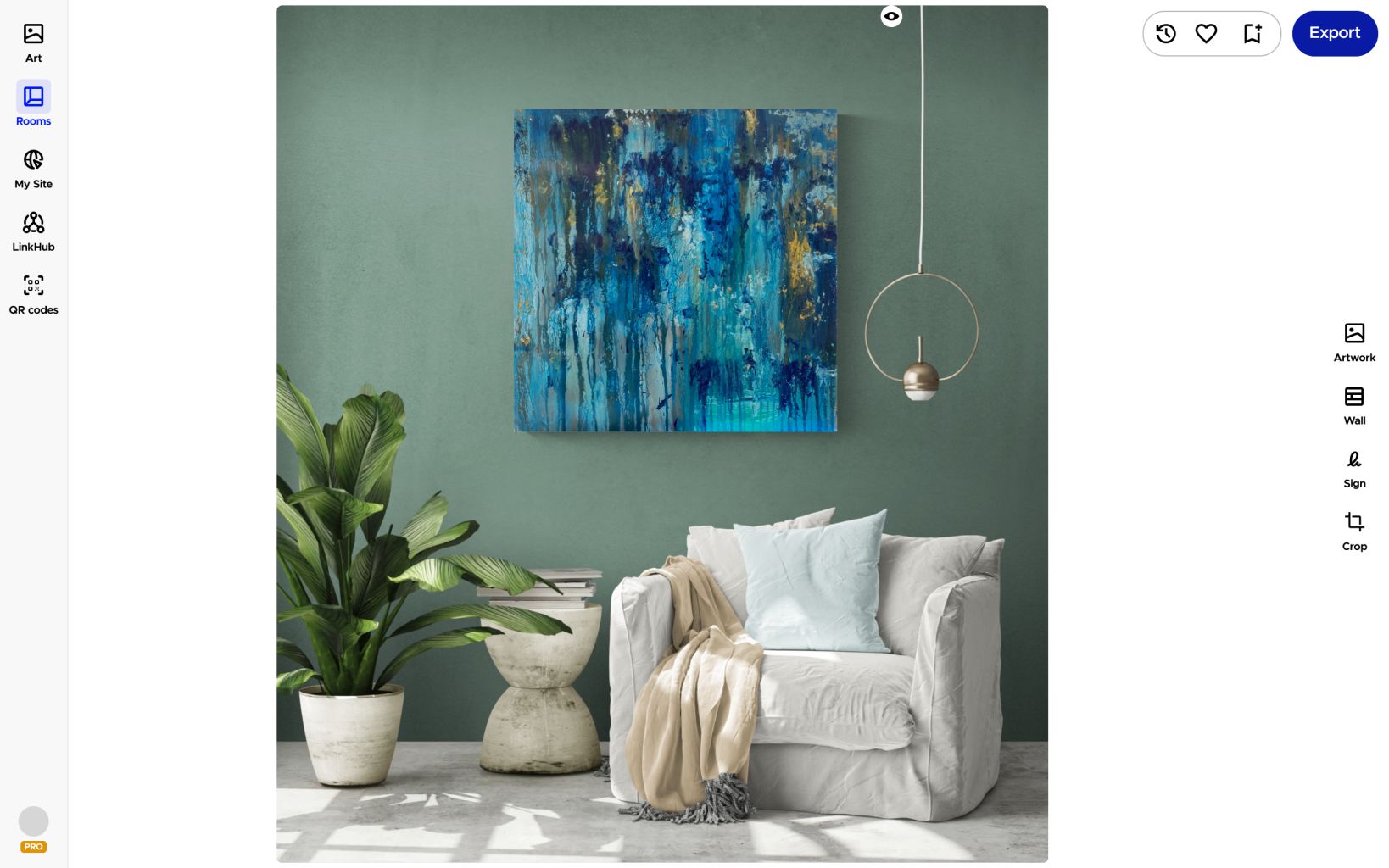


Everything else
From first try to finished listing.
Editing
Get every detail right before you download.
- Frames, thickness and mats
- Real artwork dimensions
- Crop the room for posts and stories
- Your signature or logo in the room (Plus and Pro)
Your room library
Come back to the rooms that work.
- Save rooms to reuse later
- Favorite rooms for quick access
- All your downloads in one place
- Upload photos of your own interiors (Plus and Pro)
Downloads
Ready for your shop, website and feed.
- 20 downloads a month on Free, 200 on Plus, unlimited on Pro
- High resolution and premium rooms (Plus and Pro)
- Export straight to Etsy (Pro)
- Use the images commercially to show your work
Selling on Etsy or another marketplace? See how artists use Canvy for their online shops
In artists' own words
Why artists make their mockups with Canvy
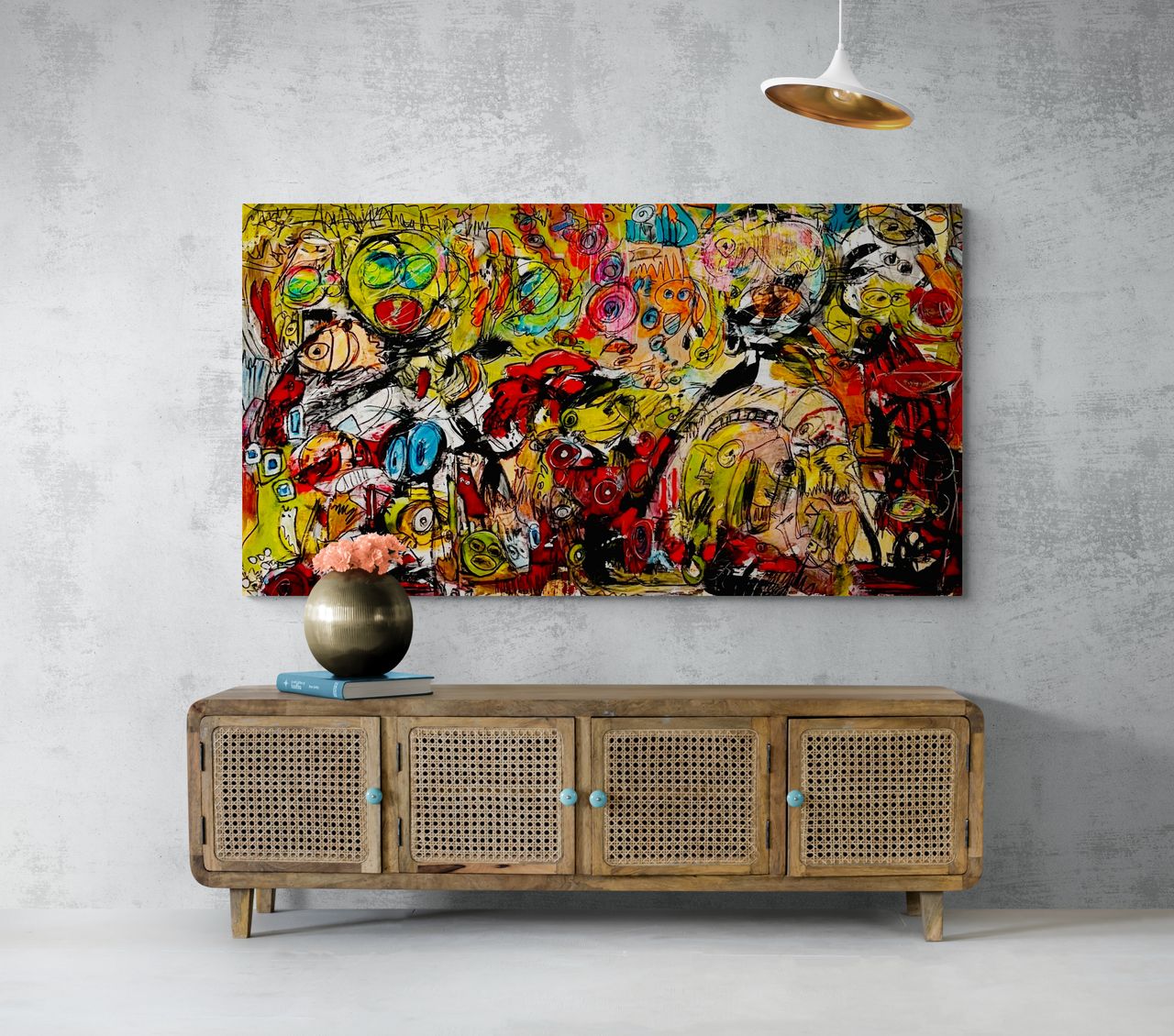
For years I laboriously searched for the photos for my mock-ups on the Internet on photo portals. It was very time-consuming and sometimes even expensive. … The app offers tons of rooms and I can recolor them to match the painting perfectly.Artist
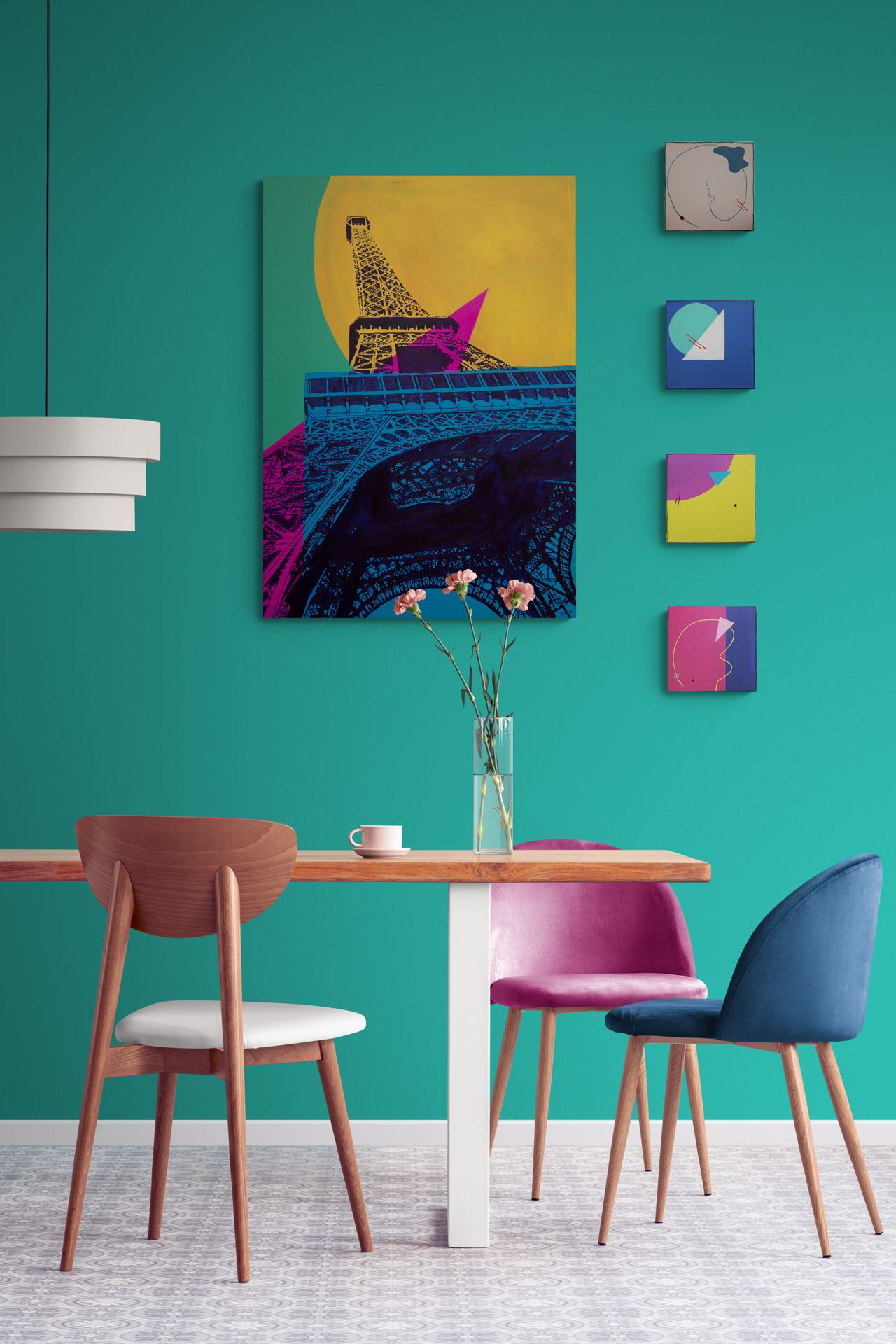
I live and work in a small flat. Painting in my spare room so I don't have access to a wall to photograph my art with a clear scale. I love that Canvy offers such a brilliant selection of customisable walls with the interior design features included.Artist and Curator
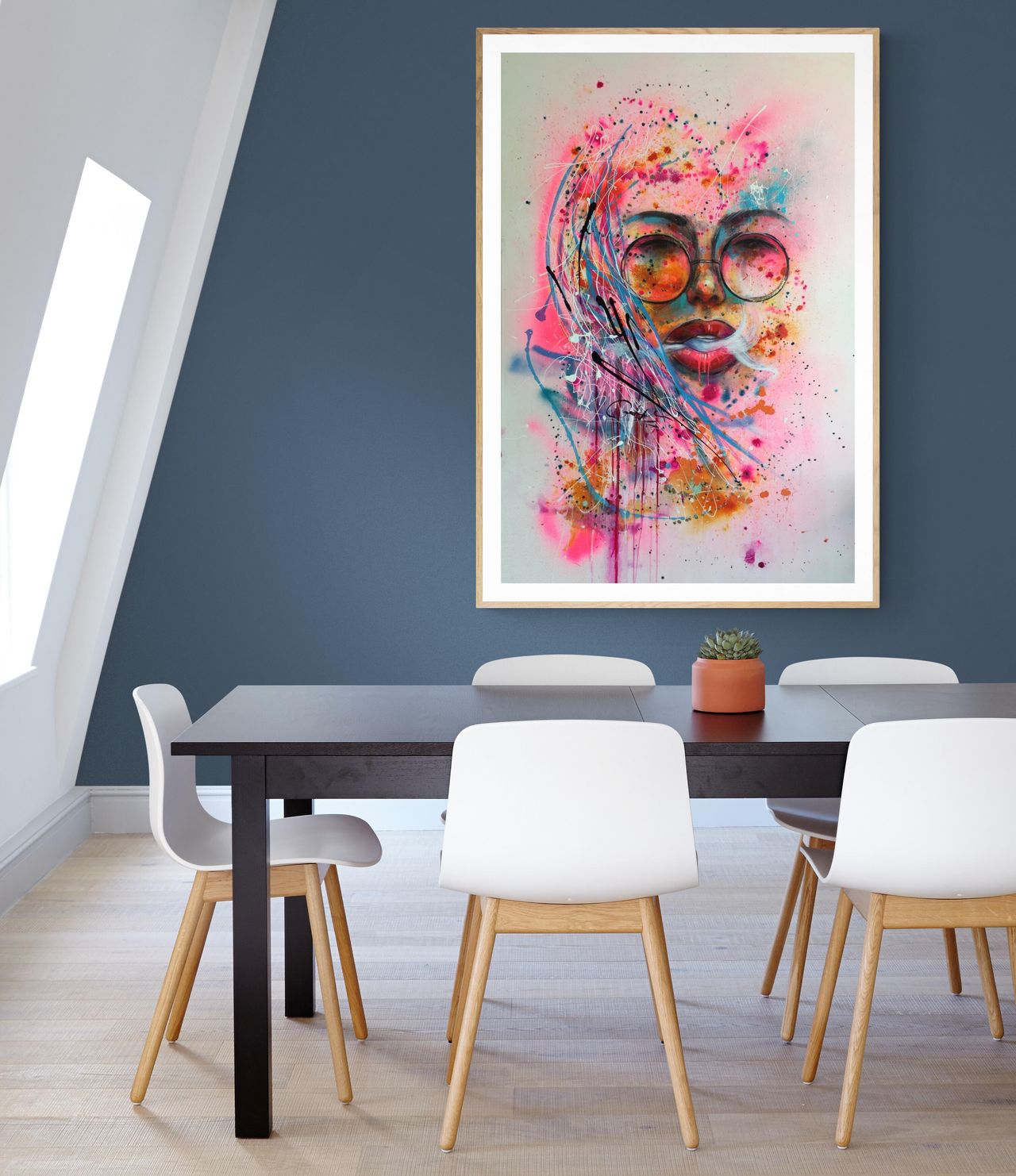
Since discovering Canvy (and learning to navigate the rooms) I so enjoy changing wall colours and furniture to suit my artwork. It gives me the confidence to see how my paintings sit in a beautiful setting.Earthy artist
All your tools. One subscription.
Most artists pay for six different tools. With Canvy, you don't have to.
Free
$0
Build your catalog, mock up your work, and share your first portfolio site.
- Up to 100 artworks
- 20 room downloads per month
- Not included: Room Style downloads
- Not included: Room videos
- 1 collection
- Portfolio website with 3 subpages
Plus
$15/mo.
$180 /yr.Save 21%Monthly subscription
More room downloads, room videos and collections for a growing practice.
- Up to 300 artworks
- 200 room downloads per month
- 20 Room Style downloads per month
- 5 room videos per month
- 10 collections
- Portfolio website with 10 subpages
Pro
50% off, limited timeNormal price: $32$16/mo.
Normal price: $384$192 /yr.Monthly subscription
Everything in Plus, with unlimited access and a custom domain.
- Unlimited artworks
- Unlimited room downloads
- Unlimited Room Style downloads
- 50 room videos per month
- Unlimited collections, with passwords
- Your own .art, .com or .eu domain
- Cancel anytime
- 14-day money-back guarantee
- No credit card needed for Free
Is it really free?
Yes. Canvy Free includes 20 downloads a month from the free rooms, in standard resolution and without a watermark. Plus gives you 200 downloads a month in high resolution, premium rooms included, and Pro makes them unlimited.
Can I use the mockups commercially?
Yes. You can use the images to show your work on your website, social media and newsletter, and on marketplaces such as Etsy. You can't sell or redistribute the room images themselves.
Can I use photos of my own rooms?
Yes. On Plus and Pro you can upload photos of your own interiors and use them like any other room.
Will my artwork be the right size in the room?
Canvy uses the dimensions you've entered for your artwork, so it hangs at a realistic scale. You can adjust the size in the editor.
Can I make videos?
Yes. Room videos are included on Plus (5 a month) and Pro (50 a month), in a choice of styles, of the whole room or the artwork on its own.
Ready to see your art on the wall?
Start with 20 free room downloads a month, and upgrade when you need more.